
How to test the login process?
Ta treść nie jest jeszcze dostępna w Twoim języku.
You can preview the login process in the Dashboard to see what it looks like for your Guests. It’s a simple process, here’s how to do it:
Log into the Dashboard and find the Your Login Process tab on the homepage. It’s located in the centre of the page, below the statistics summary.
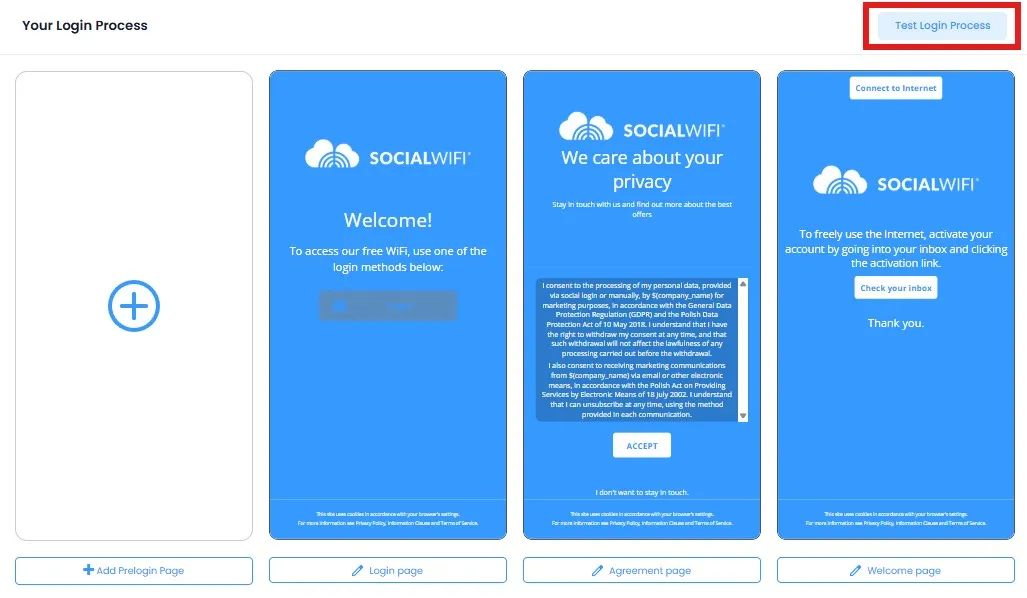
Press the Test Login Process button. This will open up a new browser tab with a fully functional simulation of the login process. Any changes you make to the Splash Pages will be reflected in this preview, refresh the tab to see the latest version you’ve created.