
Push historic data to your CRM
Ta treść nie jest jeszcze dostępna w Twoim języku.
If you’ve connected your Social WiFi account with your CRM, you will start getting new customer data automatically pushed to your third-party CRM. But you may also have data captured by Social WiFi in the past, which you want to sychronise with your CRM also.
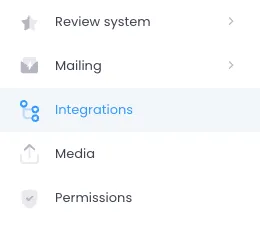
- Log into your Social WiFi account and go to the Venue that you wish to synchronise data. Go to the Integrations tab on the left side.
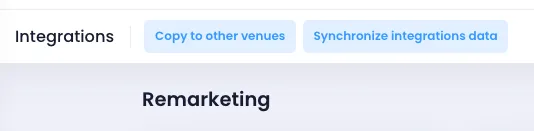
- At the top of the page, you will see two buttons. Click Synchronise integrations data.
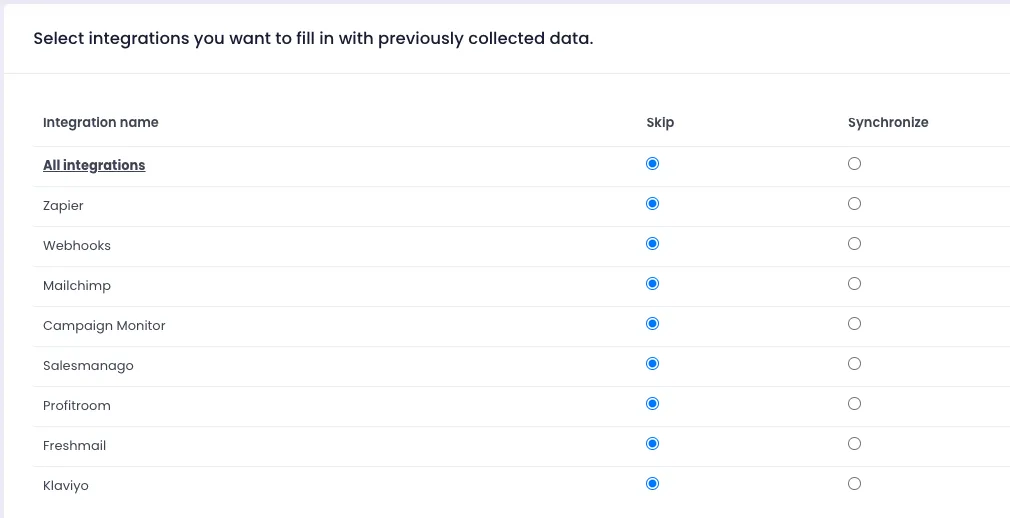
- Select which CRM you wish to synchronise data with.
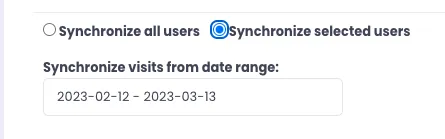
- Choose if you want to synchronise all users or just those from a selected data range.
- Click Synchronise at the bottom of the page.