
How to delete SMS Automations and Bulk Campaigns?
Ta treść nie jest jeszcze dostępna w Twoim języku.
Deleting Automations and Bulk Campaigns is a simple process. To learn how to do it, please take a look at the guide below:
1. Find the Automation or Bulk Campaign you would like to remove. For this example, we will be using an SMS Automation, which will be located in SMS Automations in the SMS Marketing tab in the main menu. The process will be the same for Bulk Campaigns, you will just need to do it from the Bulk Campaigns tab.
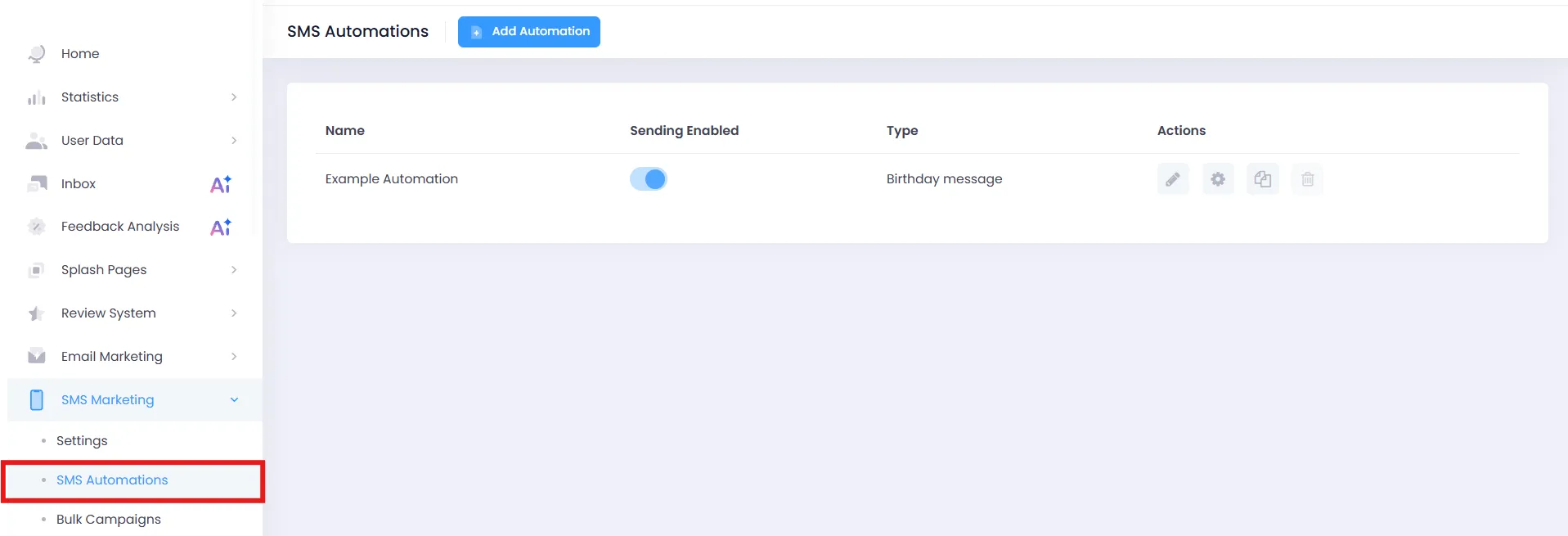
2. Deactivate the Automation/Bulk Campaign. As you can see, Enabled templates will have the Delete button grayed out to prevent accidental removal.

3. Press the Delete button represented by the bin icon on the right side of the menu and press Delete again in the window that will show up to confirm your choice.

The Automation will now be deleted from the Dashboard.