
Configurar dispositivos para que el widget de YouTube funcione
Este ejemplo utiliza un router MikroTik. En otros dispositivos, el proceso de configuración de Walled Garden puede variar.
New Terminal → pegue los siguientes comandos en la terminal (todos los comandos se pueden copiar y pegar al mismo tiempo)
/ip hotspot walled-garden add action=allow dst-host=.googlevideo.comadd action=allow dst-host=.youtube.comadd action=allow dst-host=googleads.g.doubleclick.netadd action=allow dst-host=i.ytimg.comadd action=allow dst-host=img.youtube.comadd action=allow dst-host=youtube-ui.l.google.comadd action=allow dst-host=youtube.comadd action=allow dst-host=yt3.ggpht.comadd action=allow dst-host=static.doubleclick.netadd action=allow dst-host=static.xx.fbcdn.net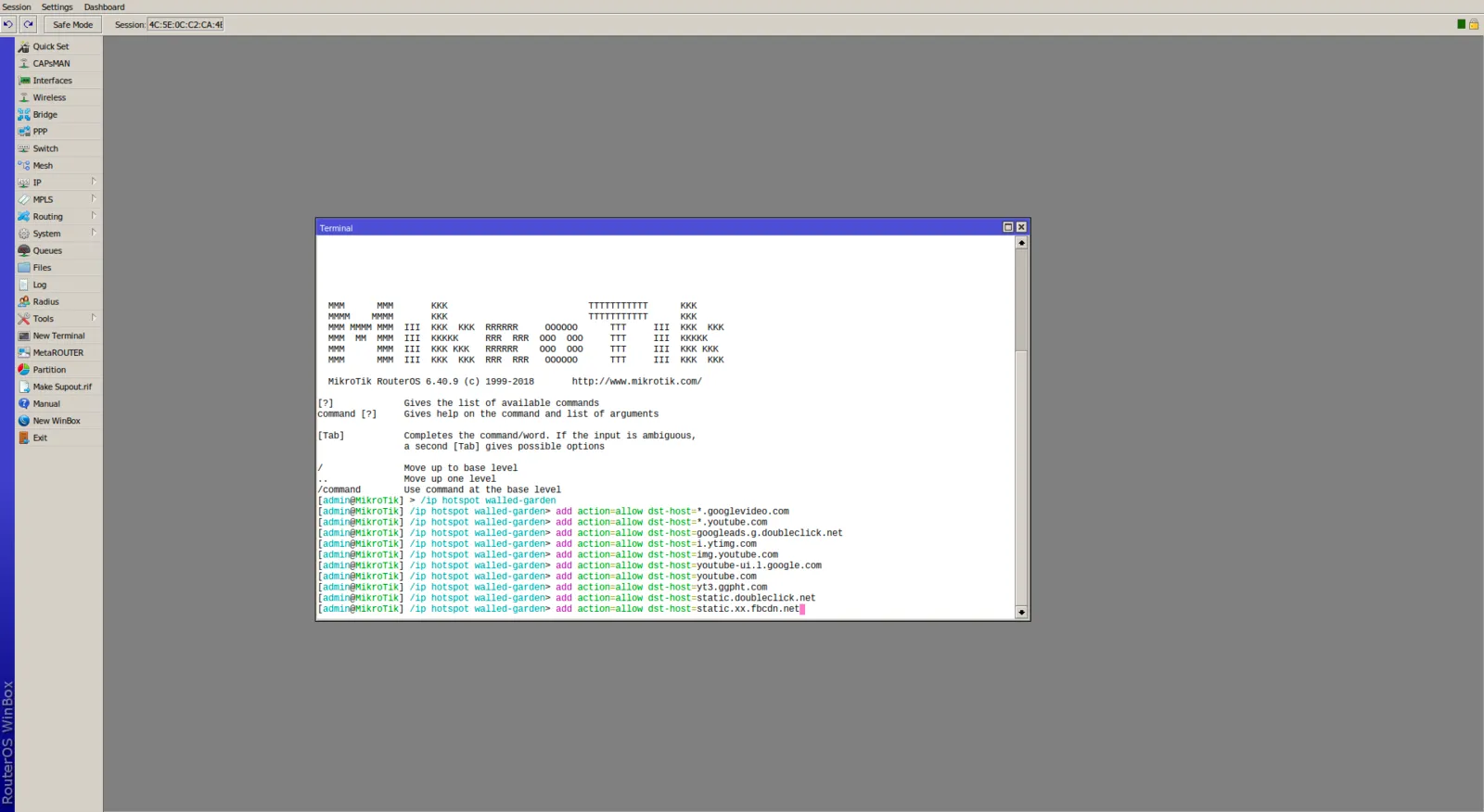
Presione Enter para ejecutar la última línea de código
¡Listo!