
Add Facebook Pixel
By adding a Facebook Pixel to the Social WiFi dashboard, you can retarget your WiFi users with advertising campaigns online. This is particularly helpful as the campaigns will be targeting known customers of your business.
1) Log into your Social WiFi Dashboard.
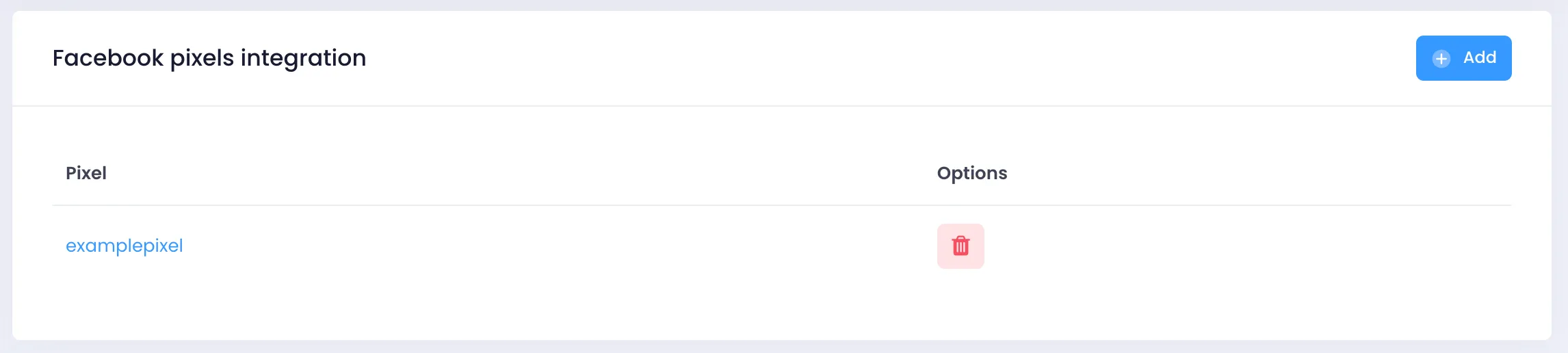
2) On the left side list, select Integrations > Remarketing and then find Facebook pixels integration.
3) Click Add in the top right of the box.
4) Paste your Facebook Pixel code into the field.
5) Press Create to complete the process.