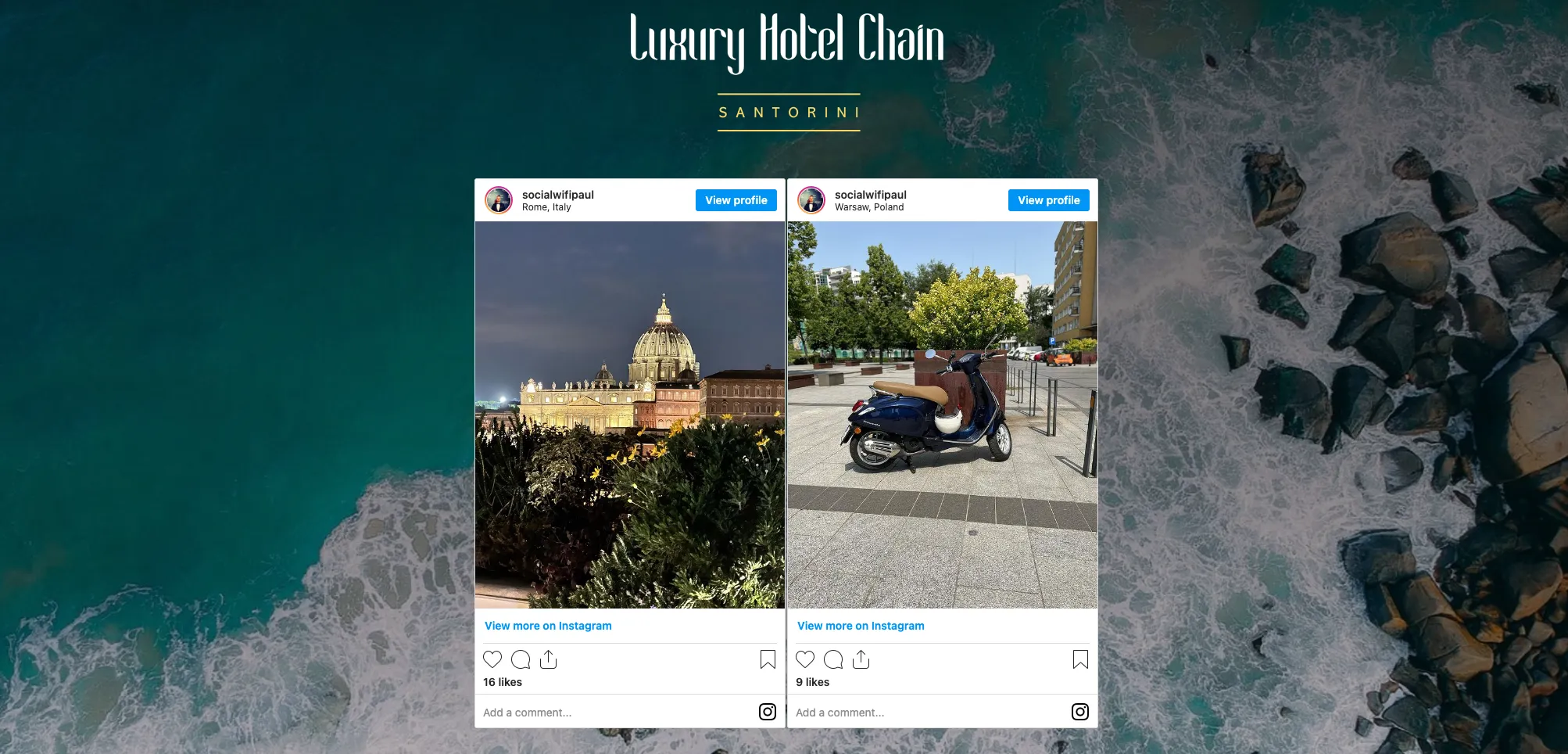
Embed Instagram posts on your Welcome Page
You can embed specific instagram posts to your Welcome Page in order to direct people to your Instagram feed or to simply see specific posts. This is a great way to increase your numbers of followers.
1) Log into your Social WiFi dashboard and go to the Venue that you wish to update.
2) On the left side of the page, navigate to Splash Pages and then to Welcome Pages.
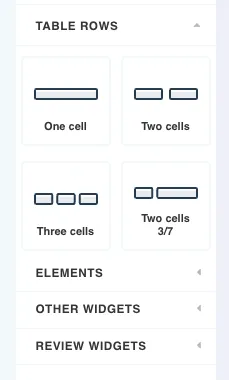
3) Drag Two cells from the Table Rows elements on the right side into the area of the page that you wish to add the Instagram posts.
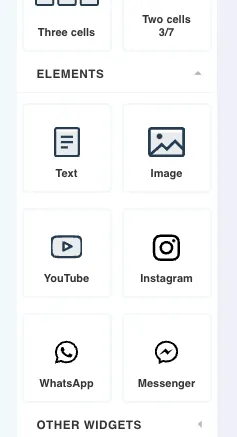
4) On the Elements section of the right side panel, drag and drop the Instagram widget into the cells you just added to your main design.
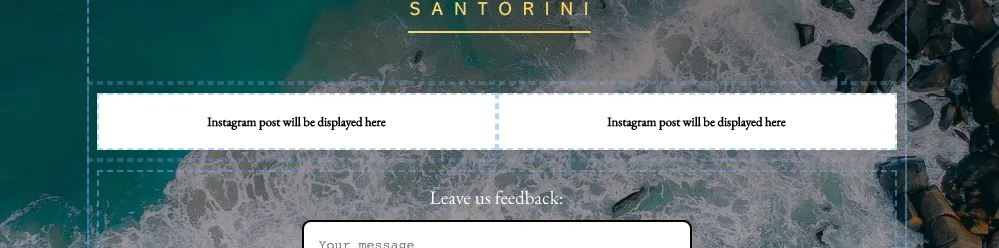
5) You will now see two placeholder elements for where your Instagram posts will be placed.
6) From your desktop, find an instagram post that you wish to embed. In the URL, copy the post ID which is the final string on characters after the /p/ or /r/

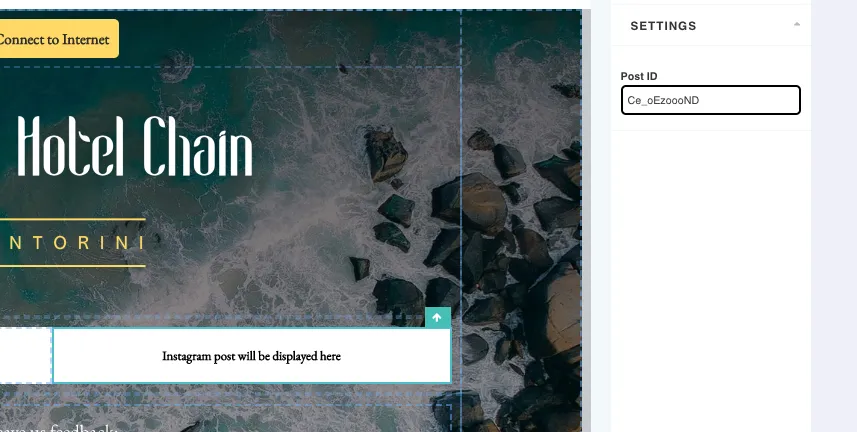
7) In the drag and drop editor, paste in the post ID to the field on the right side panel which will appear when the Instagram element is clicked on. When all post ID’s are added, click SAVE.
8) You can now generate a Login Page Preview from the homepage, go through the login process and see the Instagram function on with Welcome Page part of the process.