
How to send a review reminder
We’ve written in other articles about how you can customize the timing of when a Review email is sent. But what if someone gets it and doesn’t take action?
Can you send a reminder? Of course, you can! And it’s done with just a click. Here’s how…
1) In the Social WiFi dashboard, enter the Venue that you wish to configure. On the left side menu, select Review System and Settings from the subsequent drop-down list.
2) In the Settings window, we need to edit the Action based on section.
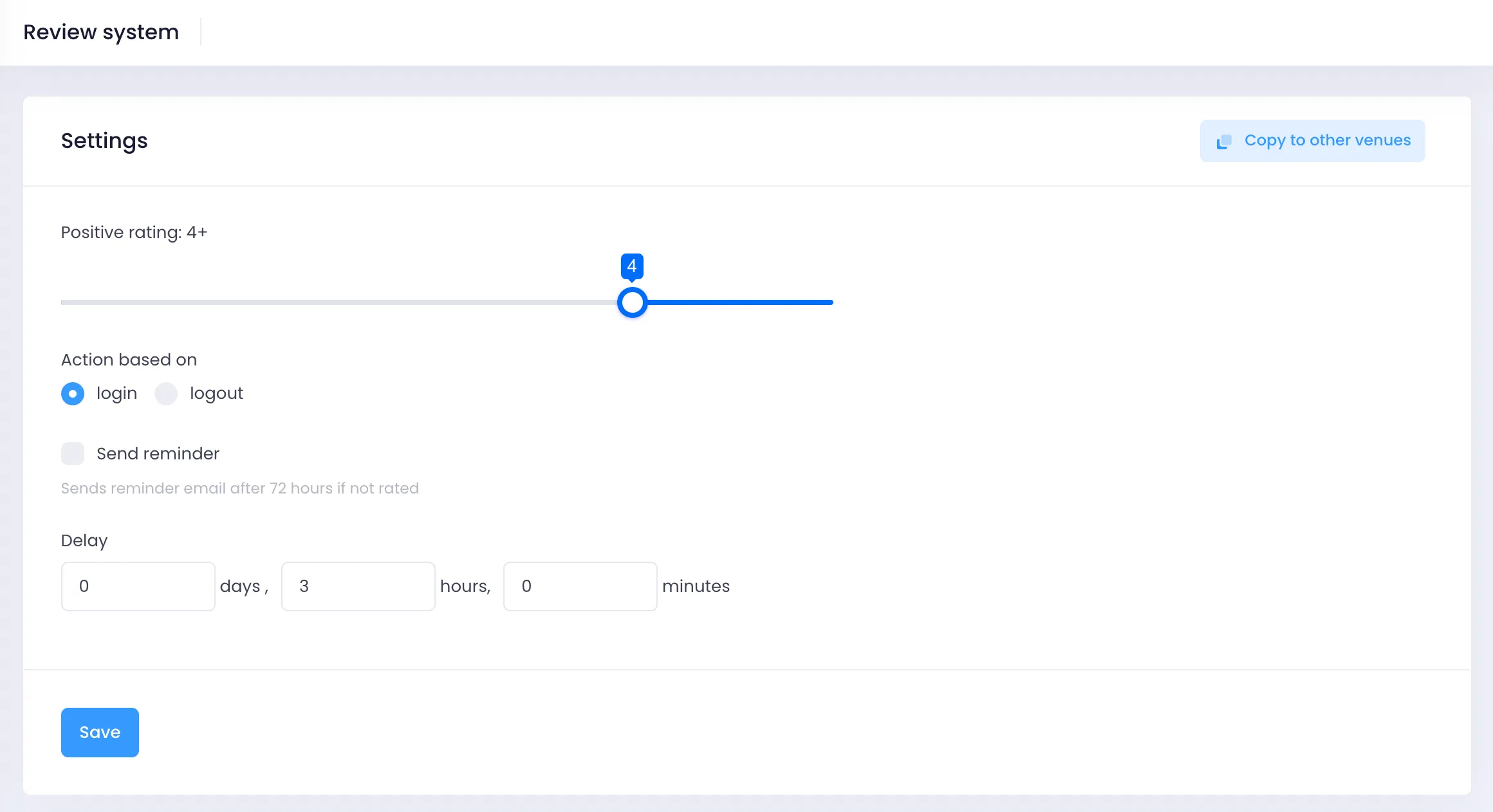
3) Tick the box that says Send Reminder.
4) Click Save.
This will now send a reminder email 72 hours later to any user who did not click a review score in the original email.
The timing of the reminder cannot be edited and only one can be sent.