
How to set up your own SMTP server
To send mass emails from Social WiFi, you’re going to need your SMTP server.
What is an SMTP server?
In layman’s terms, an SMTP server is a server focused on sending and receiving email messages. In this case, we’re going to need the sending capacity for the most part.
Why do we ask for it?
Every SMTP server has a reputation. It affects how many emails are delivered and how many go into the spam folder. As we are using our own SMTP servers to deliver most of the customer communication, it’s vital for them to have top-notch reputation.
Unfortunately, sending out a mass email to a larger database could ruin that in minutes. That’s the reason why we ask you to use your own SMTP server to send such emails – otherwise, all WiFi communication would be in jeopardy.
How to set it up?
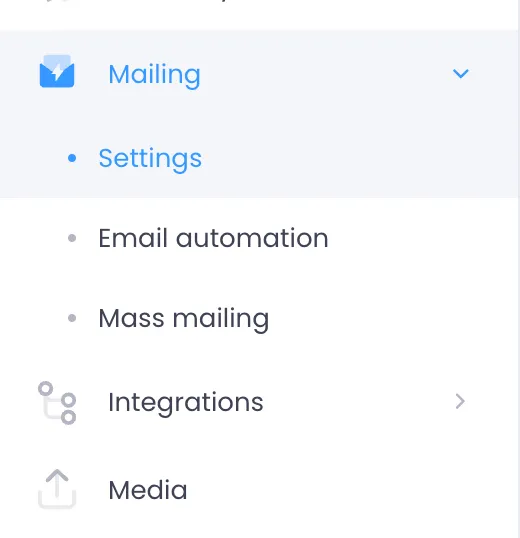
In your dashboard, to to Mailing > Settings
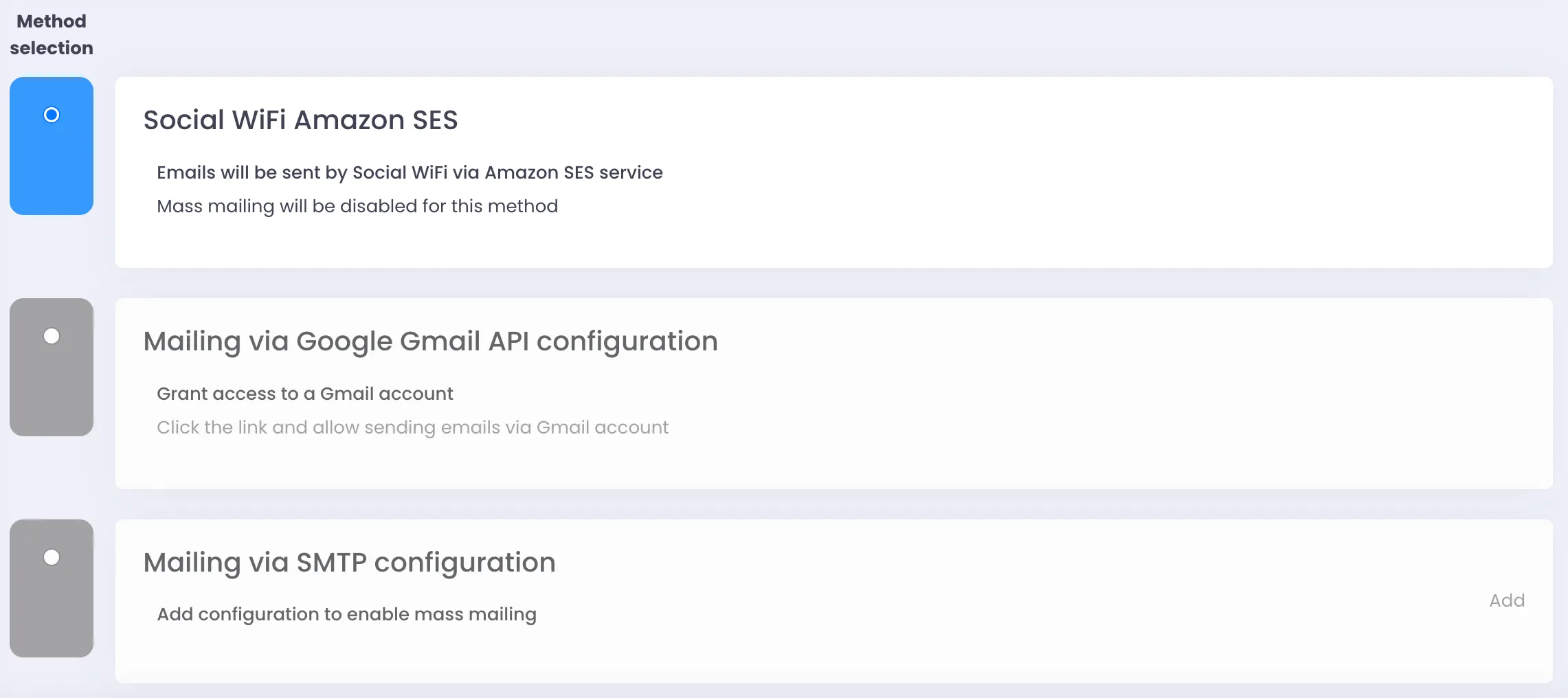
Of the three options, select Mailing via SMTP configuration and click add on the right of the box.
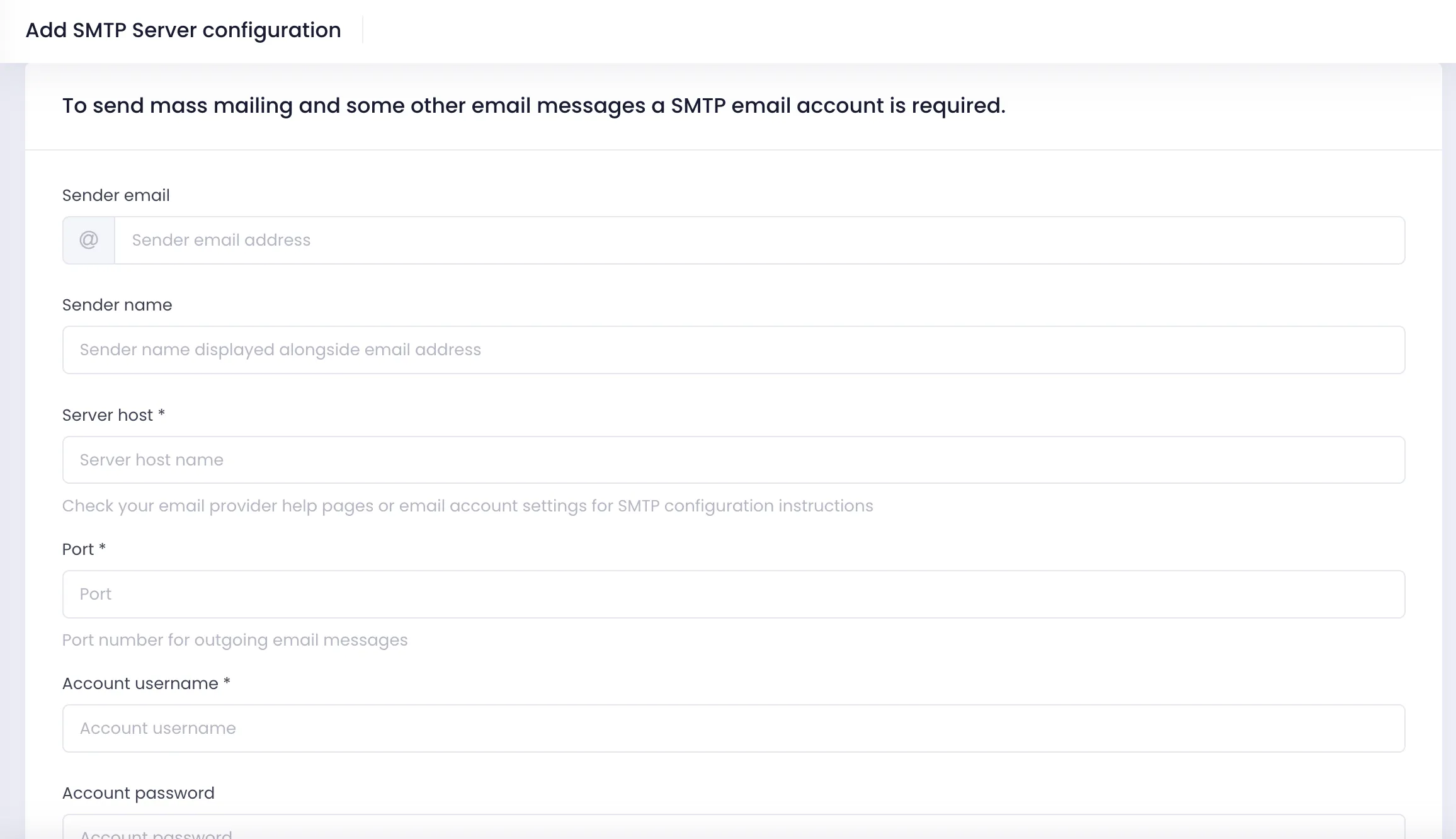
Populate the requested information about your SMTP server and click Create. If all the data input is correct, all the emails will now go from your email server and you’re able to conduct mass-mailing from the Social WiFi dashboard.
Which emails will be sent from your SMTP server?
All of the communication that goes to your customers (WiFi users) will be sent from your SMTP server.