
Creating your first venue
When you first log into your Social WiFi account, you will be taken to the venue creation wizard automatically. You should see the following screen:
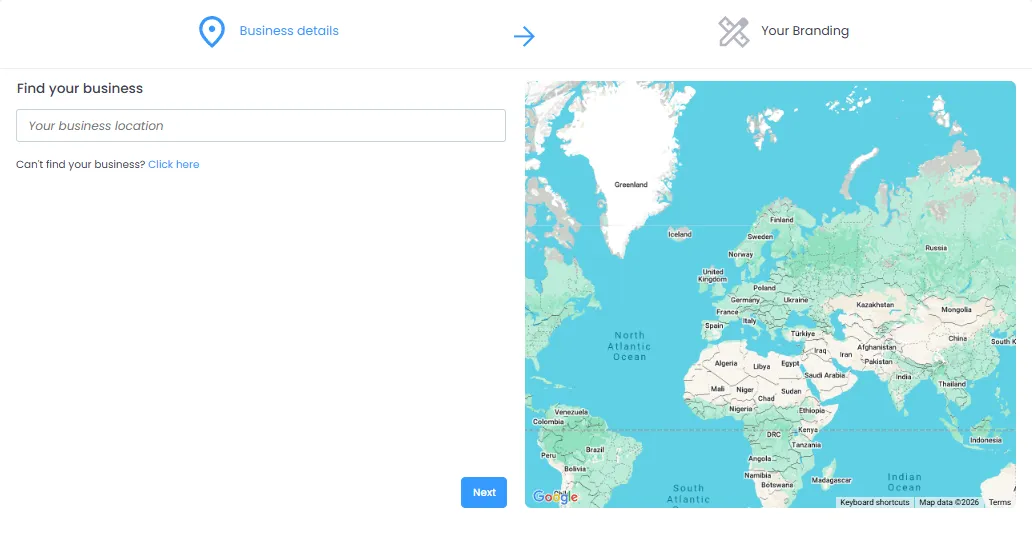
Fill out your information and upload your branding. You can always update the branding later, so no need to worry about it too much at this stage.
The venue will now be created. For your next steps, you can take a look at the Badges we offer for completing setup tasks:
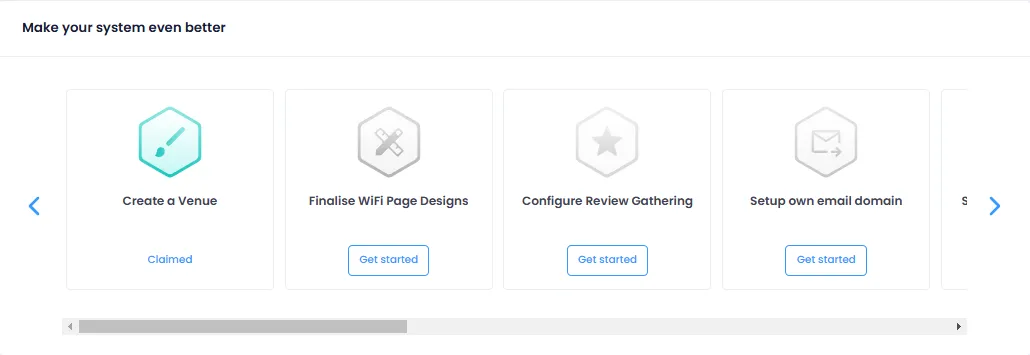
We also have a Getting Started article with some useful tips.
You can find answers to most of your questions here in the Academy. However, if you still are unsure about something, you can reach out to us at support@socialwifi.com