How to change the contact email
Reply-to Email
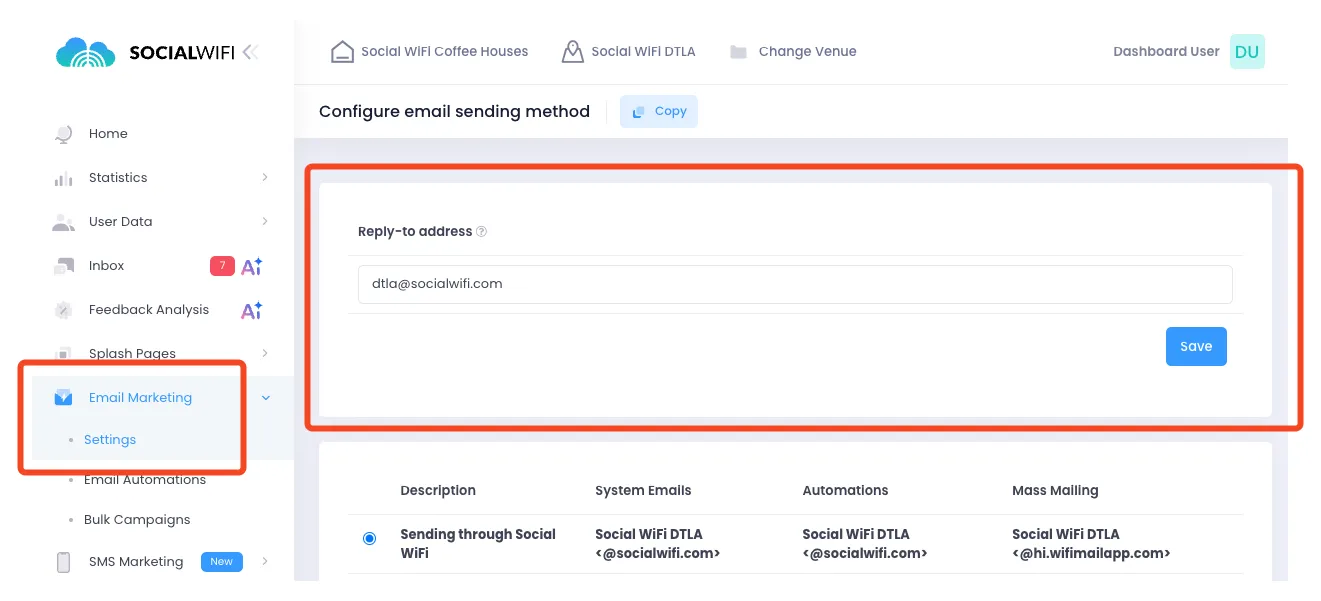
In order to change the email Users will respond to after receiving marketing messages (reply-to address), go to Email Marketing, then Settings, then update the Reply-to address at the top of the page.
Feedback Forwarding
You can also set up a feedback forwarding email address. When enabled, any reviews that Social WiFi collects will automatically be forwarded to the email address you provide.
Data Protection Request Email
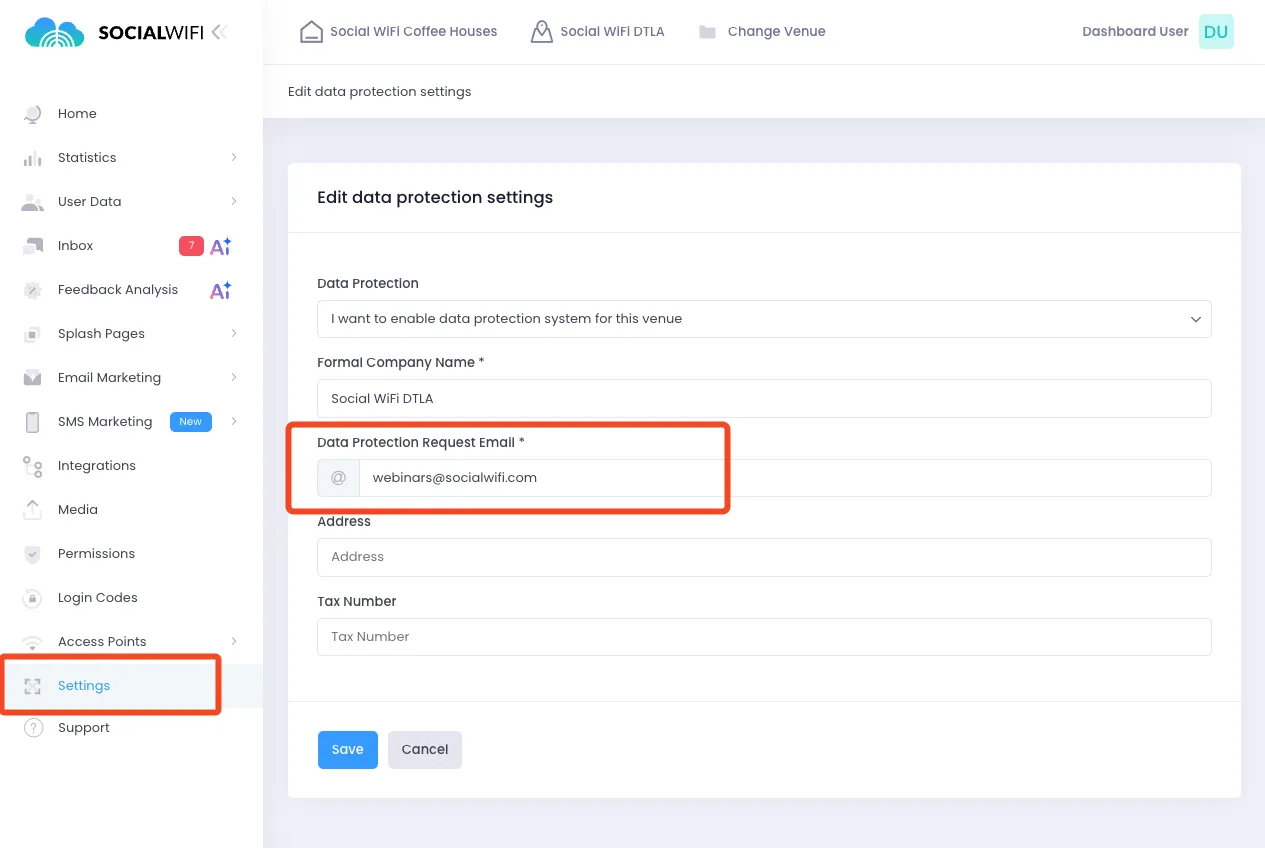
You can also change the Data Protection Request Email. This is the email address shown to your customers regarding any inquiries about Data Protection and GDPR. In order to change this email address, go to Settings, Data Protection and adjust the email address to the correct one.