How do I delete content uploaded to the Dashboard?
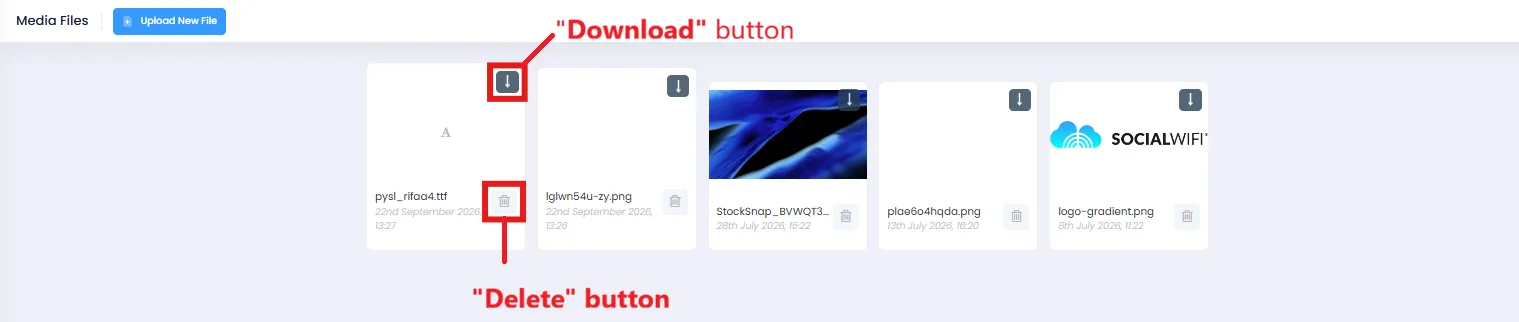
To delete files and content which you’ve previously uploaded to the Dashboard, please navigate to the Media tab.
As you can see, this tab contains all of the files you and other personnel used in the Dashboard. This will include logos, background images, fonts and any other materials that have been uploaded.
From here, you will be able to re-download content in case you don’t have access to it anymore and need to use it, as well as delete files you no longer need to be in the Dashboard library.