
Change the review redirection links
Social WiFi allows you to connect your venue with several review systems to gather more positive opinions about your place. If you would like to change or add a review redirection link, this is how to do it.
Log into your Social WiFi Dashboard.
From the menu on the left side of the Dashboard, choose Review System and then Settings.
Paste the links to your profiles on review sites into the matching fields.
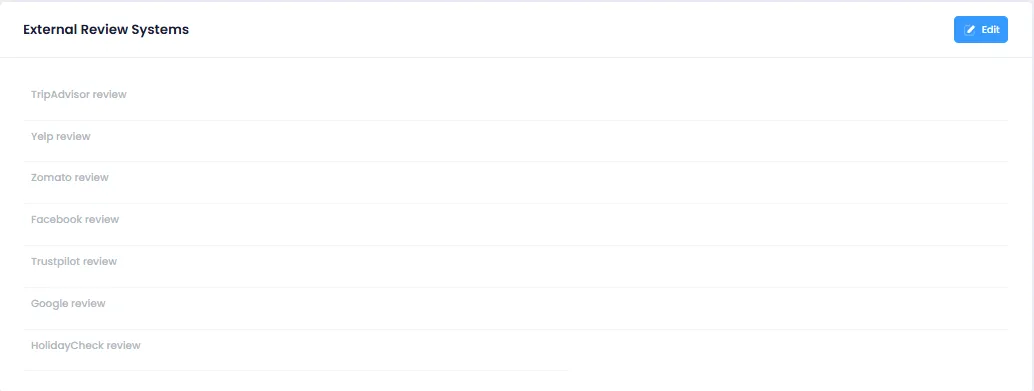
Confirm by pressing the Save button.