
Verified vs Unverified User Data
In the Social WiFi dashboard, you will see two databases.
- User Data
- Unverified User Data
So what is the difference between these?
User Data
Here we will provide all data captured from Social Media login.
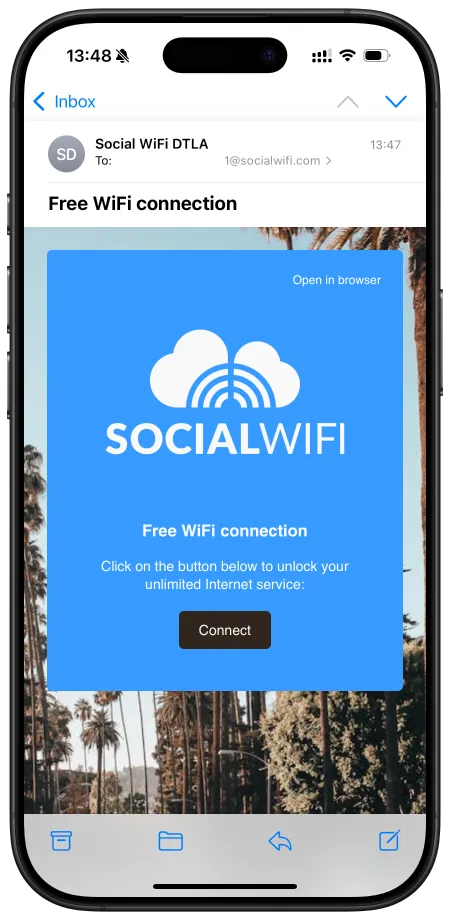
Crucially, users who login using the email form login that clicked the verification link sent to their mailbox will also appear here. An example verification email is below.
Also displayed here will be users that logged in with their mobile number and input the SMS verification code.
Unverified User Data
This database is the people who connected to the WiFi using the email form method but did not click the verification link on the email that we sent them.
And, if you have phone number login but don’t have an SMS plan with us, these phone numbers will appear in this list as we have not verified the numbers via SMS code.
It is possible for a user to move from the Unverified list to the Verified list if they login again with another method, or they click the verification link at a future time.