
How to display content on the Welcome Page to a specific group of Guests?
You can add custom content displayed under specific conditions on the Welcome Page.
For example, if you have a 2-for-1 promotion every Tuesday, you can add your marketing materials to the page and limit its visibility to Tuesdays only.
You can also target specific groups of Guests - display filters include Gender, Age, Birth Date and Amount of Visits.
Take a look at the tutorial below to find out how to add these filters to the Welcome Page:
1. Log into your Dashboard and open the Welcome Page you’d like to edit (Splash Pages > Welcome Pages).
2. Press the + icon in the editor on the right side of the screen and go to Table Rows.
3. Choose the cell layout you want to use. For this example, we will choose One Cell.
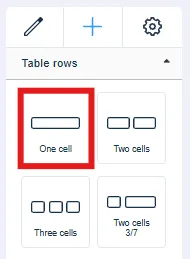
4. Add the cell/cells to your selected location on the page.
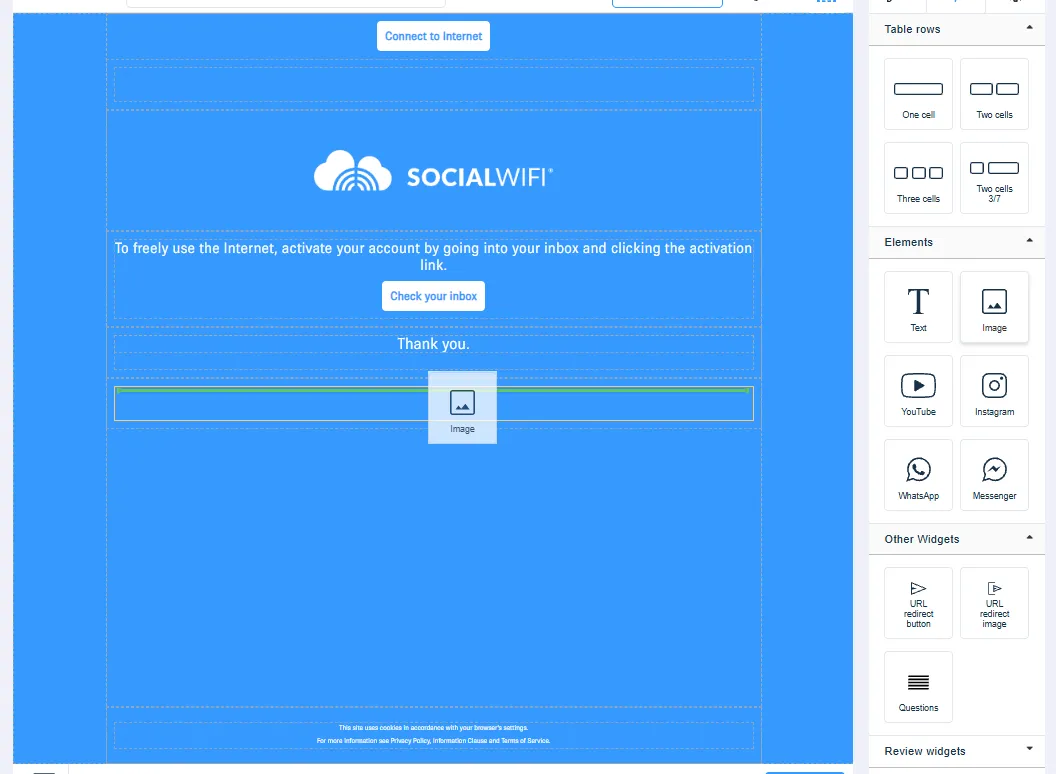
5. Find Elements in the menu used in step 2 and choose the widget you’d like to add. In this example, we will use a simple image. Drag the widget into the new cell you added in the previous step.
6. Click on the cell containing the widget. The Settings menu will appear on the right side of the page.
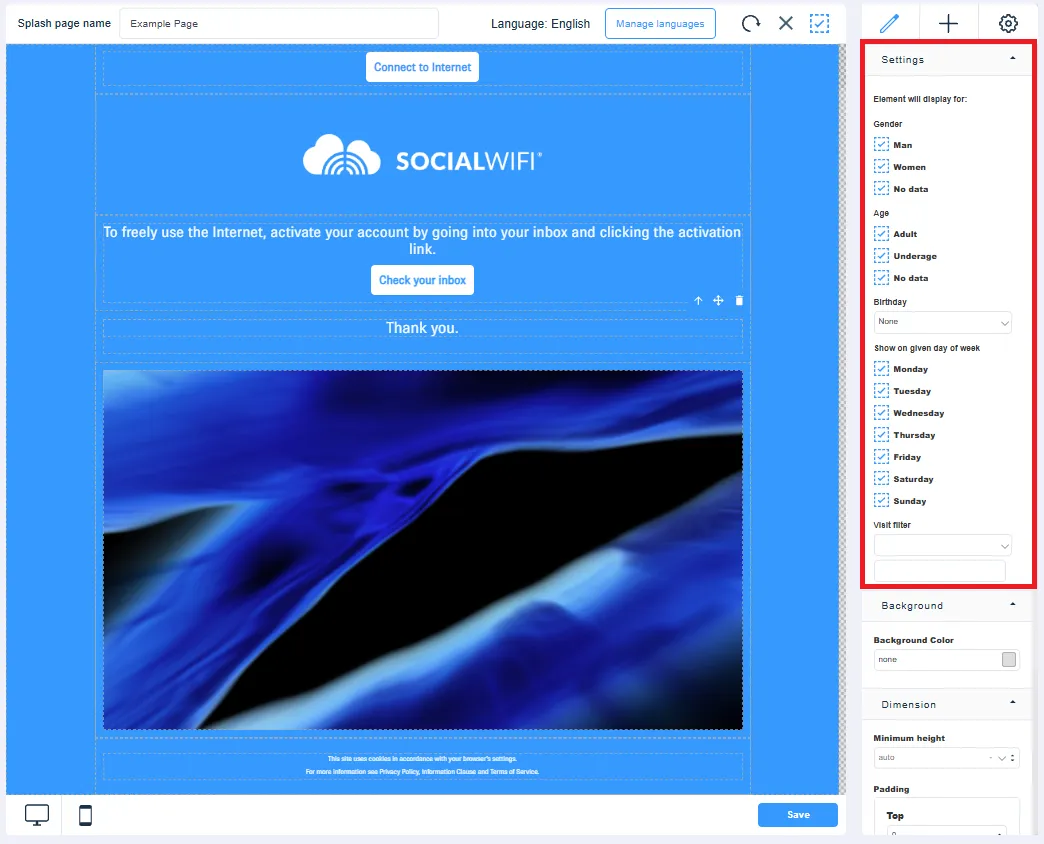
7. Apply the filters you desire.
8. When you’re happy, Save your changes.