
Can I add other language versions?
Esta página aún no está disponible en tu idioma.
On all pages where you can edit content, such as the splash pages, review system and email marketing sections, you will see a field at the top of the page which shows a language.

Click the drop down list, find the language that you wish to add and click the “Add” button.
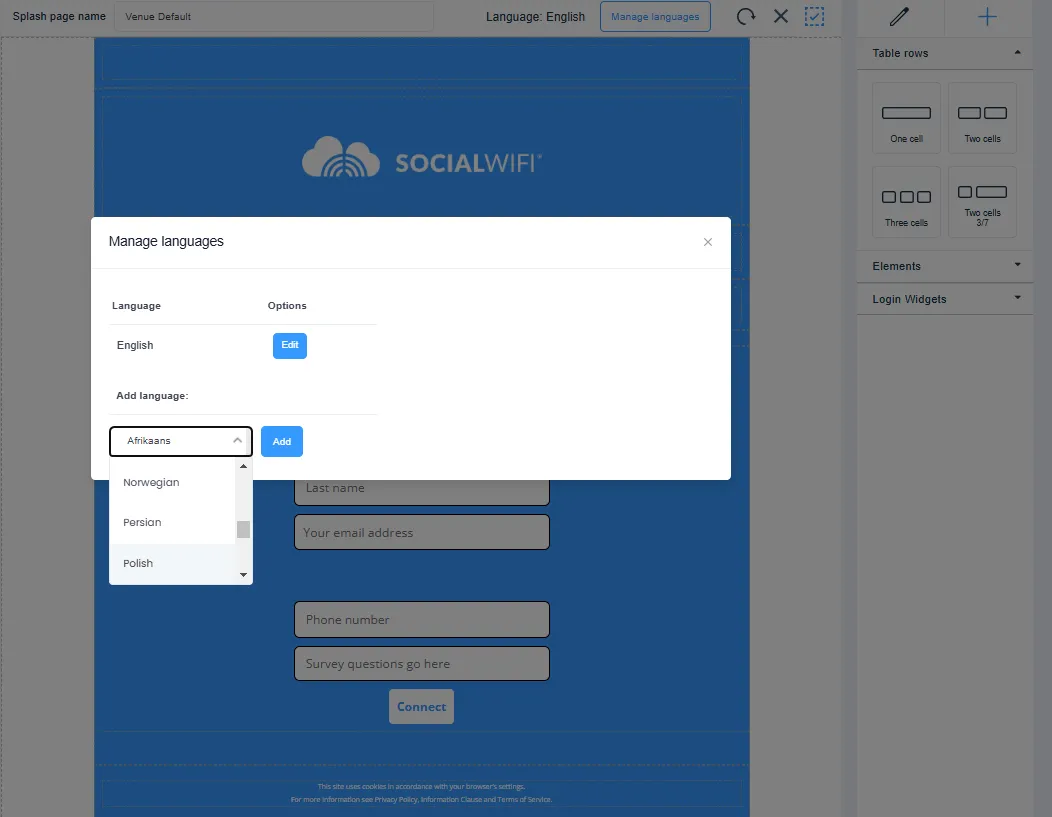
This will duplicate the page or email that you were previously on and allow you to edit the content to the chosen language. You will be able to click between languages and edit each version independently.
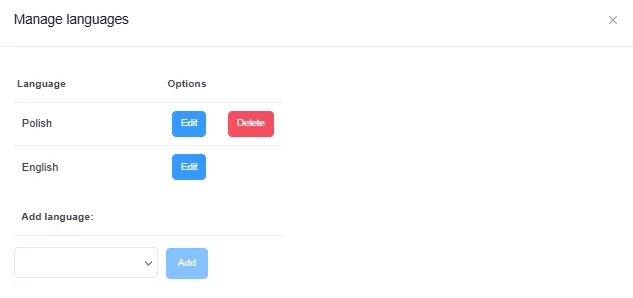
When you’ve completed everything, click SAVE. In the example above, users with an English language setting will be presented with the English version and users with a Polish language will be presented the Polish version.
Users who speak another language that you don’t have created (for example, French using the above example) will be presented with the Fallback Language, which is set to English by default and can be changed in the Settings tab in the Dashboard.